
TRONTRC20
Make a Payment
Send payment through the TRON network using the TRC20 standard.
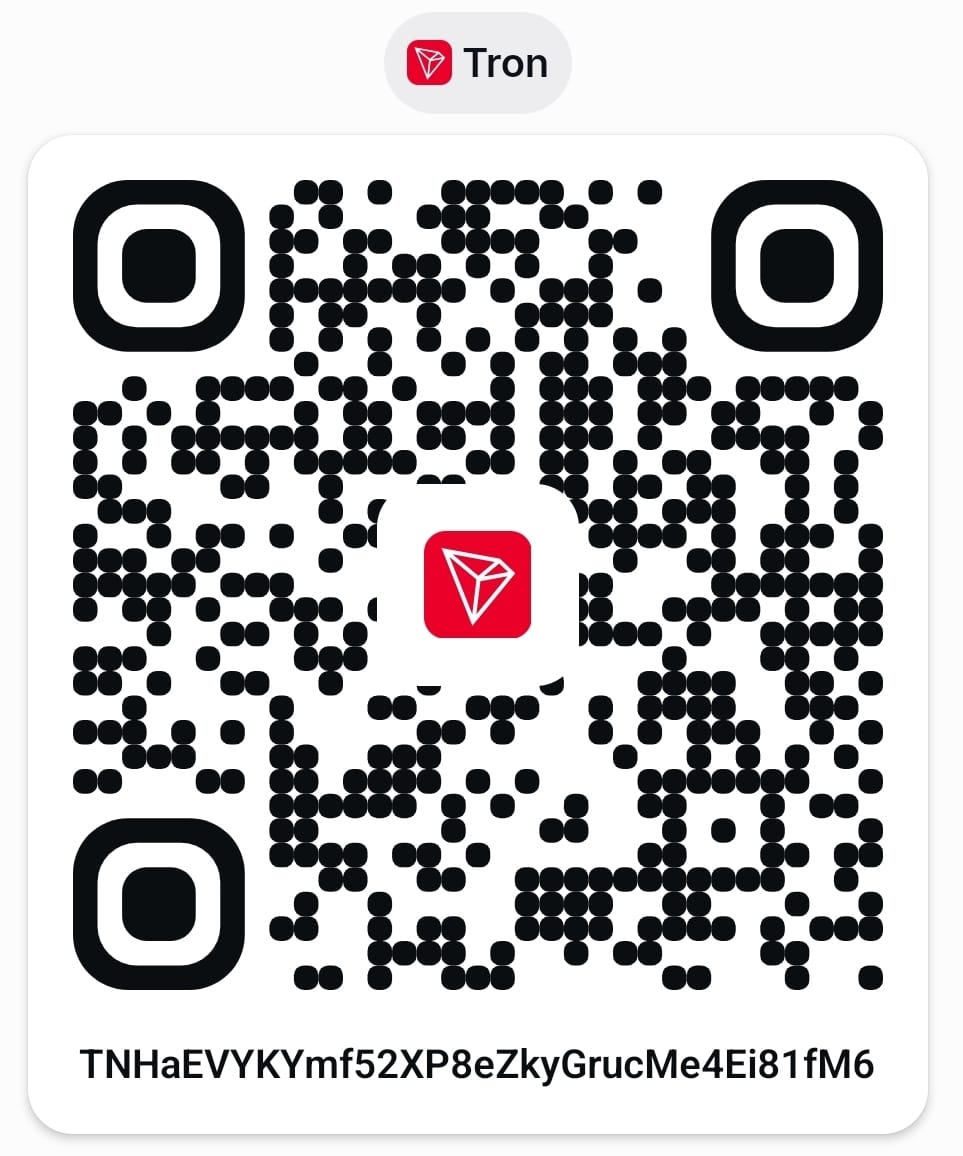
TNHaEVYKYmf52XP8eZkyGrucMe4Ei81fM6
⚠️ Important: Send payment only through the TRON (TRC20) network. Verify the wallet address and network before confirming your transaction. Payments sent through other networks may be lost permanently.
How to Pay
- 1Open your TRON wallet application (TronLink, Trust Wallet, etc.)
- 2Select Send and choose the TRC20 network
- 3Copy and paste the wallet address above, or scan the QR code
- 4Verify the address and network, then confirm your transaction